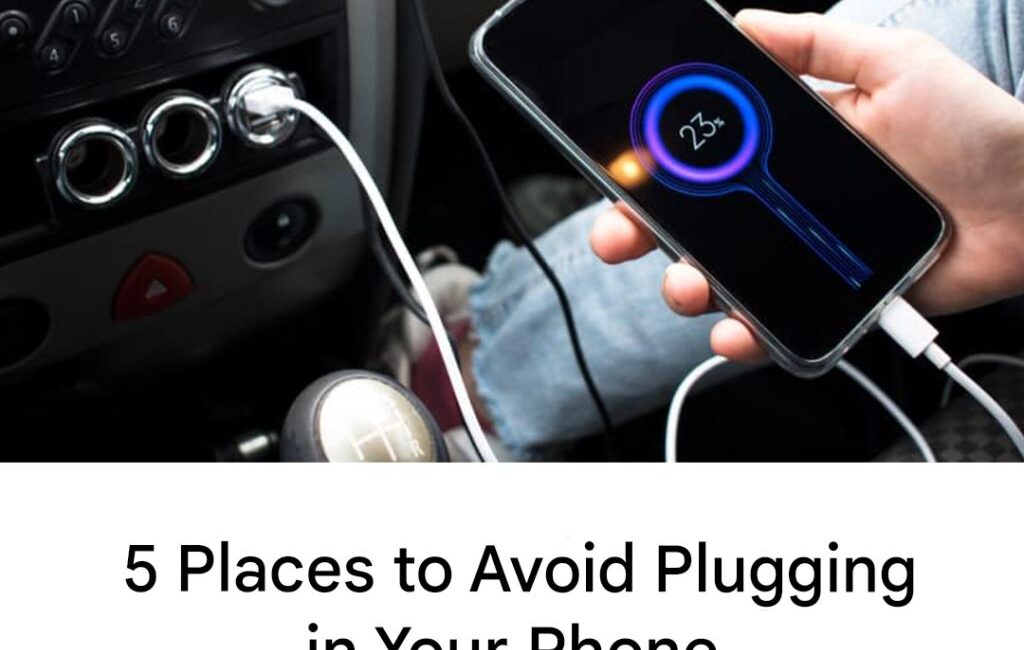
Here are high‑impact, proactive defenses to protect your device and data.
Use Power‑Only Cables or Data Blockers
- These specialized cables or adapters omit the data conductors; only power flows through. They shut off the data lines entirely.
- USB “data blocker” dongles physically block data pins in the cable, preventing data transfer. India Today+1
Carry Your Own Wall Charger & Cable
- Whenever possible, plug into AC wall outlets using your own charger. That side‑steps the USB/data risk completely.
- Use your own cable—some cables themselves may be compromised.
Portable Battery Packs (Power Banks)
- Have a charged power bank with you; no need to rely on public ports.
- Use the power bank to charge your phone, then recharge the bank separately on a trusted outlet.
Disable USB Data Transfer
- On many smartphones, you can disable data transfer via USB, leaving only charging enabled.
- Always decline prompts for data access unless you trust the connection.
Keep Your Device Software Updated
- Operating system updates often patch vulnerabilities that could be exploited via USB.
- Use security software or malware protection if available.
Monitor Your Device for Suspicious Behavior
- Watch for performance changes, overheating, unexpected restarts.
- Unexpected prompts, new apps, or permission changes are warning signs.
8. Best Practices for Traveling with Phones
When you travel, you are more likely to encounter public USB charging ports. Here are best practices:
- Bring a small, reliable data blocker or power‑only cable in your travel kit.
- Avoid using “free chargers” in hotel lobbies or airport terminals unless absolutely necessary.
- Use portable power banks to maintain charge instead.
- Ensure your phone is locked when you plug in. Many devices will not allow data access unless unlocked and “trusted.”
- Backup your data before travel—if something goes wrong, you won’t lose everything.
9. Legal, Privacy, and Ethical Considerations
- Some jurisdictions are starting to regulate “juice jacking” risks; public warning advisories from transportation security administrations and regulatory bodies exist. TechRadar+2Norton+2
- There is a tension between public convenience and individual privacy/security. Charging stations offer convenience, but may not always be secure or monitored.
- Ethical device manufacturers and service providers should design ports and cables to minimize risk (power only) and offer education to users.
10. Conclusion
Public USB charging ports are undeniably convenient. But that convenience comes with potentially serious costs: data breach, malware infection, privacy loss, identity theft, device damage. The danger may not always be visible in the moment—but the consequences can be long‑lasting.
The safest approach is to treat public USB ports as last resorts. Use your own charger, power banks, or power‑only solutions. Maintain awareness, lock your device, disable data sharing prompts. By taking simple precautions, you protect not just your battery, but your digital life and personal identity.