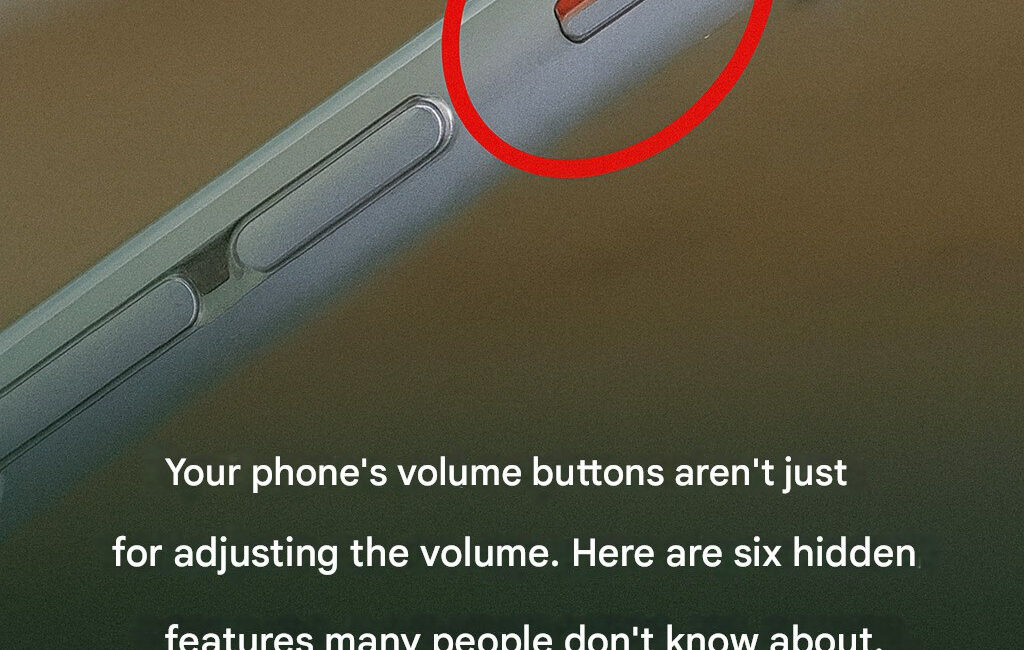
Smartphones have become indispensable in today’s fast-paced world. From managing work schedules and social interactions to entertainment, banking, and health monitoring, modern mobile devices are remarkably versatile. Despite their ubiquity, most users only scratch the surface of their phone’s capabilities. Even if you’ve been using your phone for years, there’s a high likelihood that you’ve been missing out on hidden functionalities, advanced features, and optimization techniques that can dramatically enhance your experience, security, and productivity.
In this comprehensive guide, we’ll explore in detail the hidden secrets of smartphones, how to leverage them for maximum efficiency, security tips that every user should know, and the technological marvels that make your device far more powerful than you realize.
1. The Hidden Power of Your Smartphone’s Operating System
Your smartphone’s operating system (OS) is more than just a platform for apps. It is a highly optimized software ecosystem designed to maximize hardware efficiency and user convenience.
iOS and Android: Hidden Features
iOS Hidden Features
- Back Tap Shortcuts: iOS allows you to double-tap or triple-tap the back of your device to trigger shortcuts like opening apps, taking screenshots, or activating the flashlight.
- Customizable Control Center: You can add features such as screen recording, magnifier, or accessibility shortcuts to your Control Center, giving instant access to tools you use frequently.
- Advanced Screen Time Analytics: Beyond tracking usage, iOS provides detailed insights into app categories, notifications received, and average daily usage, helping users optimize digital wellbeing.
Android Hidden Features
- Developer Options: Hidden deep in settings, these options unlock advanced functionalities like USB debugging, animation scaling adjustments, and background process control.
- Split Screen Multitasking: Android users can run two apps simultaneously on one screen, enhancing productivity without needing multiple devices.
- Digital Wellbeing Dashboard: This feature monitors app usage, sets screen time limits, and even restricts notifications for better focus.
2. Unlocking the True Potential of Your Camera
Most smartphone users rely on the camera’s default settings, unaware of its advanced photography capabilities.
Hidden Camera Features
- Pro Mode / Manual Mode: Allows full control over shutter speed, ISO, white balance, and focus, turning your phone into a professional-grade camera.
- RAW Image Capture: Shooting in RAW format preserves all image data, providing maximum flexibility in post-processing.
- Hidden Camera Shortcuts: Many devices allow quick camera access via gestures, volume buttons, or double-tap the power button.
- Advanced Filters and AI Enhancements: Modern phones use AI to optimize images automatically, adjusting exposure, saturation, and clarity without user intervention.
3. Battery Optimization Secrets
Battery life is one of the most common concerns for smartphone users, yet many miss built-in tools that can extend it significantly.
Battery Management Tips
- Adaptive Battery Usage: Both Android and iOS can learn which apps you use frequently and restrict background activity for rarely used apps.
- Optimized Charging: iOS offers a feature that slows battery charging overnight, reducing chemical aging of lithium-ion cells.
- Battery Health Analytics: Monitoring your battery’s health allows proactive replacement before sudden failures occur.
- Power-Saving Modes: These reduce performance and background activity but dramatically extend battery life when needed.
4. Security Features Most Users Ignore
Despite widespread awareness about digital threats, most smartphone owners fail to use advanced security features fully.
Hidden Security Tools
- Biometric Authentication: Beyond unlocking devices, fingerprints and facial recognition can secure apps, banking transactions, and private files.
- Encrypted Storage: Some devices allow you to encrypt data at rest, making it inaccessible without proper authentication.
- App Permissions Management: Restricting unnecessary access to your location, camera, or microphone can prevent data leakage.
- Find My Device: Both Android and iOS provide advanced tracking and remote wipe features if your phone is lost or stolen.
5. Advanced Connectivity Features
Your smartphone is a hub of wireless connectivity, yet most users use it for basic calls and browsing.
Connectivity Hacks
- Wi-Fi Calling: Allows voice calls over Wi-Fi when cellular coverage is poor.
- Tethering and Hotspot Sharing: Your phone can act as a mobile router, sharing internet access with multiple devices.
- NFC and Contactless Payments: Near Field Communication can securely handle transactions, digital tickets, or access credentials.
- Bluetooth Automation: Pairing with smart devices or automating tasks like connecting headphones can streamline daily routines.
6. Productivity Enhancements You’re Missing
Modern smartphones are equipped to replace many standalone tools like notebooks, calculators, and planners.
Productivity Features
- Voice Assistants: Siri, Google Assistant, and other AI-driven tools can manage calendars, set reminders, send messages, and answer questions hands-free.
- Notes and Scanning Apps: Capture documents, receipts, and whiteboard notes with integrated scanning features.
- Advanced Search Capabilities: Using keywords or scanning images, your device can retrieve relevant emails, documents, and photos instantly.
- Custom Shortcuts and Automation: Automate repetitive tasks such as sending preset messages or launching apps at specific times.
7. Storage Optimization Secrets
Many users struggle with storage issues but don’t leverage built-in tools to manage space effectively.
Storage Management Tips
Click page 2 for more